Most visits to Lavagna Del Borgo start with a practical question: what is happening, and does it affect me? The category under each post is there to answer that before you click. It is not filing for its own sake. It is a set of signposts. A road closure and a feature about an old festival both belong here, but they ask for different kinds of attention. Once you know how News, Events, Announcements, Local Services, and Culture differ, you can scan the site in seconds and spend your time on what matters.
Each label answers a different question. If you remember nothing else, remember this:
Think of the categories as shelves in a small, well-kept shop. A post usually has one main shelf, even if it mentions something from another. The label tells you what kind of attention the post needs: read now, put on the calendar, act before a deadline, save for later, or settle in.
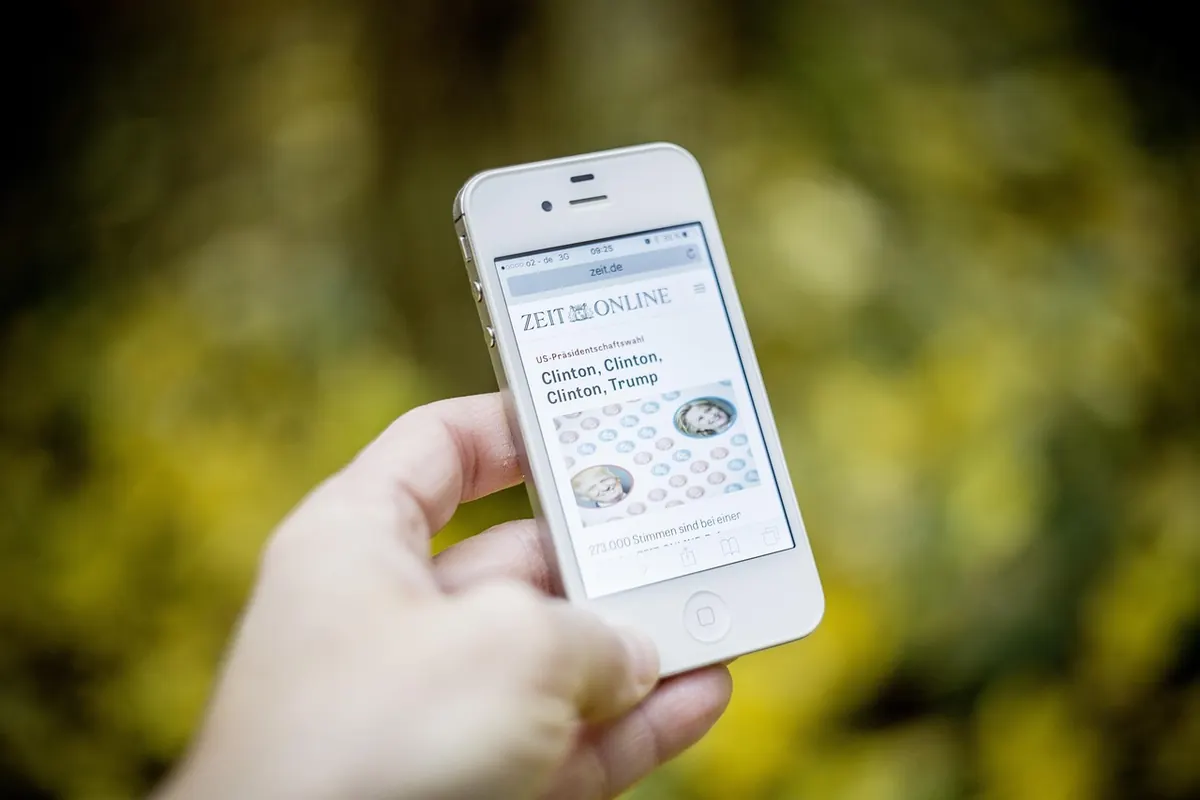
News is the report. It answers “what happened?” and “what changed?” It should carry a date and enough context to be useful. A bridge reopening after repairs, a council decision about a pedestrian zone, a local association electing a new chair, a storm damaging the river path — these are News. The post may be short, but it should tell you what is known, what is not yet clear, and what happens next.
Read the first two paragraphs for the essential fact. Editors put the main point up front because news changes. If a post says “update,” check the time. A morning report about a closed road may be obsolete by the afternoon. News is not a diary entry, and it is not a notice from the organiser. It is the site’s attempt to explain a change in plain language.
Events have a date, a time, and a place. A concert, a market, a cleanup, a parish supper, a book reading, a youth football match, a guided walk — if you can turn up, it belongs here. The label is not a promise that you will enjoy it. It is a promise that you can plan around it.
Good event posts answer the practical questions: when, where, who it is for, whether you need to book, and what it costs. If a post says “every Saturday,” it is still an Event, but check the start and end dates. If an event is cancelled or moved, the change may appear as an Announcement or as an update on the Event post. Read both. When you are looking for something to do this weekend, start with Events. When you are looking for a deadline, do not.
Announcements are the shortest, most practical posts on the site. They are notices: a road closure, a changed bin collection day, a deadline for a community grant, a parish office closure, a lost cat, a call for volunteers, a change to a meeting time. They answer “what do I need to know or do, and by when?”
They often come from an organisation, but not always. A resident can post an announcement about a found bicycle or a missing key. The label does not mean “official.” It means “notice.” Read the date and the deadline. An announcement from three weeks ago may still be useful for context, but the deadline may have passed. If you are organising something, use this label for the practical details and put the invitation itself in Events.
Local Services is the directory shelf. It covers the plumber who answers on a Saturday, the pharmacy rota, the bus that actually stops near the station, the repair café, the tutor, the hall for hire, the recycling centre hours. It is not News, because the information should stay useful for months. It is not an Announcement, because it is not a one-off notice.
The best service posts include hours, contact details, the area served, and any language spoken. If you are new to the area, start here. If you are recommending someone, say what you used them for and when. Avoid posting private phone numbers without permission. For money, legal, or health decisions, use these listings as a starting point and check with a qualified professional. This label helps you find help; it is not a substitute for advice.
Culture is the long shelf. It holds the stories that explain the place: the history of a street name, the recipe behind a festival dish, photographs from the old harbour, the dialect words your grandmother used, the artist who paints the hills, the volunteers who keep a tradition alive. Culture posts can be evergreen. They do not expire on Sunday. They answer “why is this place like this?” and “who was here before us?”
These are slower reads, and that is the point. If you are researching a family story, moving to the area, or simply curious, this is where you browse. Culture also covers contemporary life: a profile of a local choir, a piece about the changing high street, an interview with a craftsperson. The label is not only for the past. It is for the life of the place.
Some posts refuse to sit still. A new shop opening might be News because it is a change worth reporting, an Announcement from the owner, an Event for the launch party, a Local Service once the opening hours are settled, and a Culture piece if the building has a history. That is not a failure of the system. It is a sign that the labels are shelves, not fences.
Use this quick routine when you are unsure:
Planning your week? Scan Events and Announcements. Need a phone number or opening hours? Go to Local Services. Want to know what changed? Read News. Have a quiet hour and some curiosity? Settle into Culture. If a post surprises you, check its label and its date before you share it. That small habit keeps the useful posts useful and the conversations calmer.
The categories are there to help you move through the site with less guessing. Learn the five jobs they do, and you will find the update you need before your coffee goes cold.
Photo: Tama66 / Pixabay